How to check your Google ranking
Four ways to find where a page ranks, what each one actually measures, and why Search Console's average position is not the number you think it is.
Searching for your own keyword and counting down the page is the one method that cannot work: Google re-ranks results using your own history, location and device. To get a number that means something you need a measurement taken for a stated country, language and device, with no account attached — from Search Console, from a rank tracker, or from a manual search you have deliberately stripped down.
| Method | What it measures | Good for |
|---|---|---|
| Searching in your own browser | Your personalised result | Nothing reliable |
| Incognito or a private window | A result personalised by IP and device instead of history | A rough sanity check |
| Search Console, Performance report | Average position across every impression you received | Trend over weeks, pages you own |
| A rank tracker | One position for one keyword, market and device | Comparing a keyword over time |
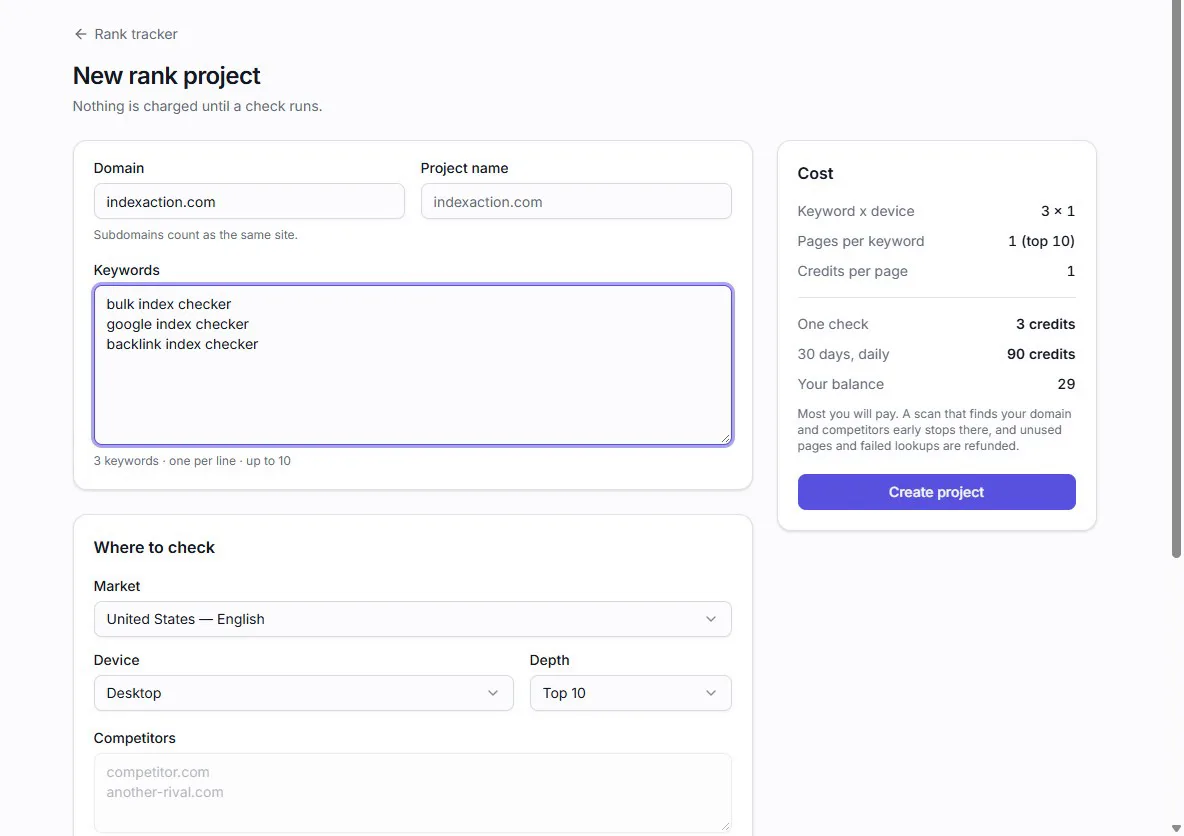
For a one-off answer to “am I on page one”, our free Google rank checker runs the top-10 check for up to three keywords in a market you pick, with no account — including for a domain you do not own.
Search Console’s average position is not your rank
This is the most common misreading on this list, and it is worth spelling out.
The Performance report’s average position is the mean position of every impression the page received in the period, across every query, country and device. A page sitting at #3 for one query and #40 for a dozen others averages to something in the twenties — a number that describes neither.
It also only counts queries where you actually appeared. A keyword you rank #90 for produces almost no impressions, so it barely moves the average, and a keyword you have just started ranking for can drag the average down while being good news.
Use it for the things it is honest about:
- Filter to one query and one country before reading a position at all.
- Compare the same filtered query month to month, not against someone else’s number.
- Read clicks and impressions alongside it. A position that held while clicks fell usually means something appeared above you.
And remember it only covers properties you have verified. For a page you do not own — a guest post, a directory listing, a client site you have not been given access to — Search Console has nothing to tell you.
Incognito is a different personalised result, not a neutral one
A private window drops your signed-in history, which removes the largest single distortion. It does not remove the rest. Your IP address still tells Google which country and roughly which city is asking, and the device still says what kind of screen it is.
If you are going to do it by hand anyway, at least make it repeatable: same device, same network, same time of day, and write the number down with the date. A sloppy measurement repeated the same way each week is more useful than a careful one you cannot reproduce.
What a rank tracker measures instead
A tracker runs the query without a search history, for a country, language and device you choose, and reports the position it sees. That is a narrower claim than “your rank”, and the narrowness is the point — it is reproducible, and two runs a week apart are comparable.
Two things to decide before you read any tracked number:
- Which market. The same query from two countries returns different result sets, not just a different order. A tracker fixes a market; it cannot fix a street, so for local-intent queries the number is still an approximation.
- How deep. A top-10 check tells you whether you are on page one and nothing else. If a keyword is somewhere past that, you need a deeper scan to see it move at all — and a keyword sitting at #60 that climbs to #40 is real progress a top-10 check would report as “not found” twice.
Check the page is indexed before you read its rank
A page that is not in Google’s index has no position, and a rank tool will correctly report nothing at all. That looks identical to ranking badly.
So when a number is missing rather than low, check indexing first — it is the cheaper question and it has a definite answer. How to check if a page is indexed covers the methods, and why is my page not indexed covers what to do when the answer is no.
What no method will give you
There is no single true rank. A position is always a measurement of one configuration — one query, one country, one language, one device, at one moment — and the honest version of the question is “where does this page sit for this audience”, not “what is my rank”.
Nor does any of this explain why a position is where it is. Ranking factors are not published, core updates move whole result sets at once, and the number you measure will sometimes change without anything on your site changing. Why your Google rank looks different goes through what moves a position and which parts of it you can control.