How to check if your backlinks are indexed
A link on a page Google never indexed does nothing. How to check the pages carrying your links — one at a time, or as a list, on sites you do not own.
A backlink only counts if the page carrying it is in Google’s index. So the URL to check is the linking page, not your own. For one link, search Google for that exact URL. For a list, use a bulk index checker. Search Console cannot help with either, because the sites carrying your links are not yours to verify.
Being indexed is the last of four things that all have to be true for a link to count. Check them in this order, because a failure at any step makes the checks after it pointless.
| Check | How | If it fails |
|---|---|---|
| The linking page is live | Open it. The status should be 200, not 404 or a redirect | The link is gone, whatever the report said |
| Your link is still on the page | View source and search for your domain | Links get removed, edited, or moved to another page |
| Google is allowed to crawl and keep the page | No robots.txt Disallow on it, no noindex on it | Google cannot count a page it was told not to read or keep |
| The page is in Google’s index | Search the exact URL, or run the list through a bulk checker | The link exists and Google is not taking it into account |
For the robots.txt step, open /robots.txt on the linking site and paste it into
our robots.txt tester with the page’s URL. It says
whether Googlebot may fetch the page, and which line decides.
Why Search Console will not tell you
URL Inspection only works on properties you have verified, and the sites carrying your links belong to someone else. There is no way to inspect them.
The Links report in Search Console lists sites linking to you that Google has found. It is a sample, it lags, and it does not say whether each linking page is in the index. It is a useful list of where to look, not an answer.
Checking one link
Search Google for the full URL of the linking page — not your own URL, and not the domain. If the page is indexed, it usually comes back on its own. If nothing comes back, that is a real signal. How to check if a page is indexed covers why this works and the cases where it misleads.
Do not use site: for this. Google describes the operator as an approximation
for exploring a site, not a lookup against the index, and it will show you a
CAPTCHA long before you get
through a list.
If the URL you were given redirects, check where it lands instead. Google indexes the destination and files the redirecting address under Page with redirect, so the exact address in a delivery report may never be indexed even when the page it points to is.
Checking a list
Checking links one at a time is how the audit never gets finished. For a list:
- Collect the linking-page URLs from wherever you track them — the seller’s delivery report, your own spreadsheet, a crawler export.
- Clean the list before you check it. Duplicates, the same URL with a campaign parameter, http and https versions of one page, rows that were never URLs. Our bulk URL cleaner does this in the browser and shows what it removed. Any tool that charges per URL charges for the duplicates too.
- Run the whole list through a bulk index checker and get one verdict per URL. Our free index checker takes ten URLs with no account, which is enough to see whether the verdicts are useful to you.
- Keep the result with its date. A result without a date cannot be compared with next month’s, and it cannot settle a disagreement with a seller.
A full run, from pasting the list to reading the verdicts, is in the 69-second demo on our homepage.
Why so many links are not indexed
This is the disappointing part. The pages that carry paid and built links are often exactly the pages Google has least reason to keep: guest posts on sites that publish anything they are paid for, profile and directory pages, and articles buried deep in an archive that nothing links to.
Google judges those pages the same way it judges yours. It reports Crawled – currently not indexed when it read the page and declined to keep it, and Discovered – currently not indexed when it knows the URL and has not bothered to fetch it. A linking page that is still not indexed months later is usually not waiting in a queue. Google looked at it and decided.
What you can do about a link that is not indexed
Less than you would like, because the page is not yours.
- Ask for a replacement or a refund. If you paid for the link, this is the lever you actually have. The practical protection is agreeing before you pay what happens to a link that is not indexed after a set period, and checking on a date both sides can see.
- You cannot request indexing for someone else’s page. URL Inspection only works on your own properties. IndexNow only accepts URLs from a host that serves your key file, and Google does not read IndexNow at all.
- Linking to the page from somewhere Google visits often does work, for the same reason it works on your own site. But you are then spending effort on a page you do not control, which its owner can edit or delete tomorrow.
- Indexing services mostly work by pointing more links at the page from networks you cannot see. At best nothing happens. At worst you have added links you would not want to explain.
Paid links are supposed to carry rel="sponsored" under Google’s spam policies,
and Google treats nofollow, sponsored and ugc as hints rather than votes.
An indexed page with a correctly labelled paid link is a legitimate placement.
It is not a ranking vote, and no index check changes that.
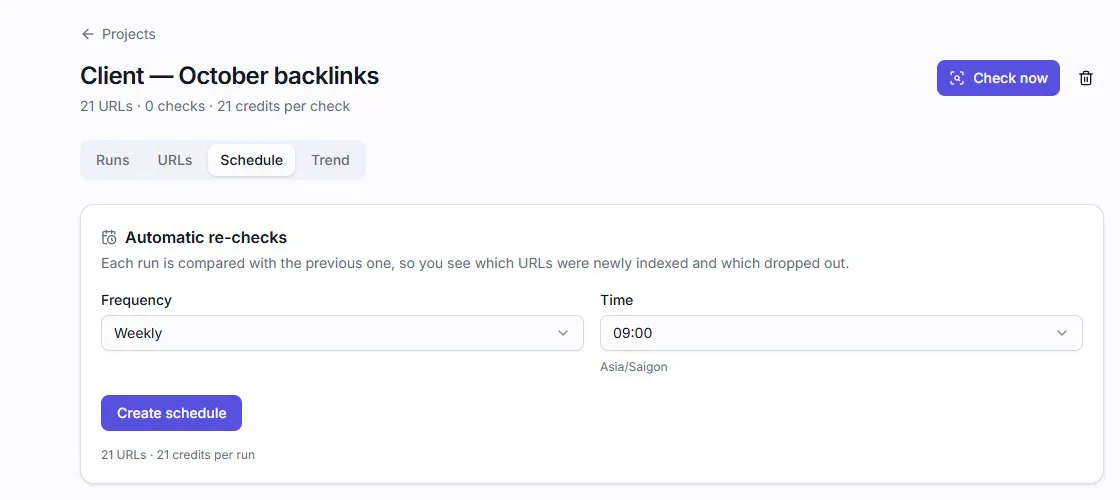
Check again, on a schedule
Pages leave the index as well as enter it. A link that was indexed when it was delivered can drop out months later, when the site prunes its archive or Google reassesses it.
Check new links after a few weeks rather than a few days — how long Google takes to index a page explains why the wait depends on the site carrying the link, not on you. Then re-check the whole list each month and compare with the last result. The links that dropped out are the ones worth a conversation with whoever placed them.